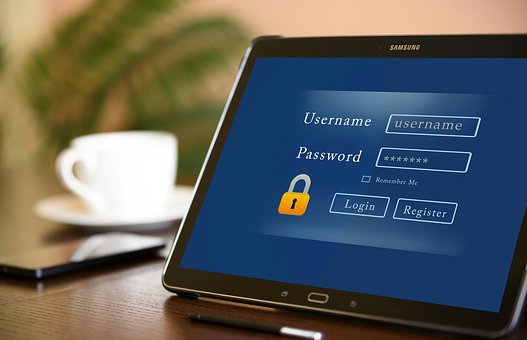
Because identity theft and data breaches are becoming an ever-growing problem, it’s important to not only have a different password for each account, but to make those passwords easy to remember and hard to guess. The following are tips you can use to make your password harder to crack:
- Change your passwords every 90 days. This might seem like a hassle at first, but hackers have a better chance at cracking your passwords if they never change. It’s also a good idea to avoid reusing passwords.
- Make your passwords at least eight characters long. Generally, the longer a password is, the harder it is to guess.
- Don’t use the same password for each account. Hackers target lower security websites and then test cracked passwords on higher security sites. Make sure each account has a different password.
- Include uppercase letters and special characters in your password. Special characters include symbols like “#,” “*,” “+” and “>.” These symbols can make your password more complex and harder to guess.
- Avoid using the names of spouses, kids or pets in your password. All it takes for a hacker to crack passwords that include these things is a little research on social media sites like Facebook and Twitter.
Read more
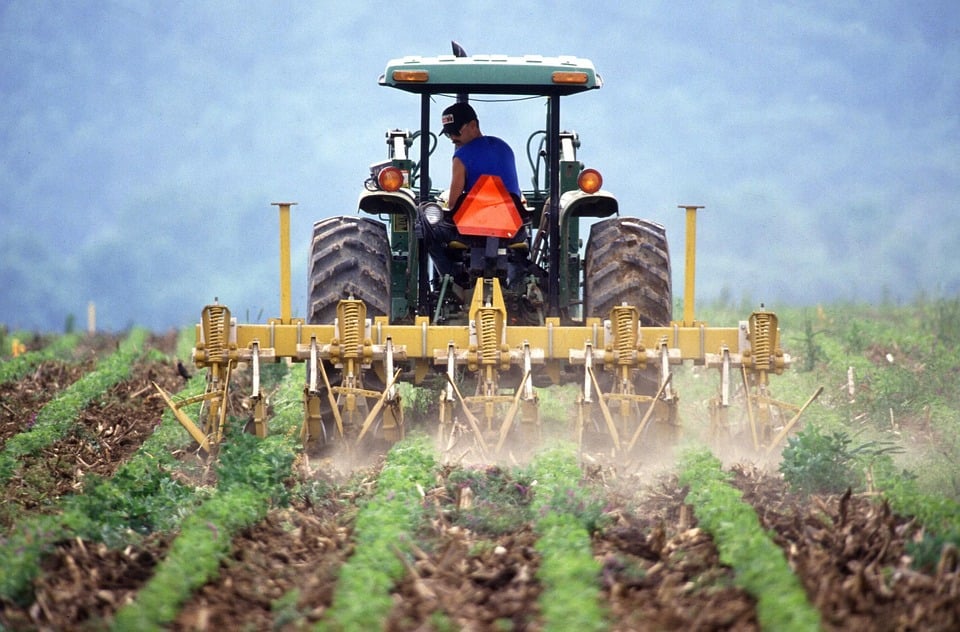
Flooded barns and lost crops are just a couple of the emergencies farmers have to deal with after a natural disaster. Thankfully, there are federal programs and resources available to help with some of the costs, but seeking them out can be confusing and time consuming. The agency you contact will depend on the type of damage you have, so a farmer may have to go to three separate agencies for help.
Disaster Relief – Helpful Links
3 STEPS TO POST DISASTER RELIEF
It can be overwhelming trying to navigate the different programs available. Here, we break it down into three steps:
Step 1: Take pictures. Disaster programs need documented damage, so take pictures before you clean up, and take note of specific losses. Save receipts for any purchases you need to make during recovery.
Step 2: Know what programs for coverage are available. There are several different programs that address different needs of hurricane relief. For example, the Farm Service Agency (FSA) handles assistance specific to farms and farmland. The Small Business Administration handles disaster assistance for businesses. The Federal Emergency Management Agency handles household damages and reconstruction.
Step 3: Be aware of important deadlines. Each program has different application processes and different deadlines. Make sure you get your applications in on time.
- If seeking the help of an FSA program, be aware that most have an application deadline of 30 days after the damage or loss occurs.
- If damage prevents you from planting, complete a Notice of Loss form and submit it to your local FSA office within 15 days of the planned planting date to determine eligibility.
- If you participate in Risk Management Agency (RMA) federal crop insurance, report the damage within 72 hours of discovery, and follow up in writing within 15 days.
Read more

Recently, Facebook announced that nearly 50 million user accounts were compromised in a data breach. The breach, which can be traced back to July 2017, is one of the largest in the company’s 14-year history.
While investigations are ongoing, the company said hackers exploited a software vulnerability in Facebook’s "View As" feature to steal access tokens and gain control of user accounts. Access tokens are effectively digital keys to specific accounts, and stealing them allows attackers to view private posts or compose status updates without the knowledge of the affected user.
In addition, the attack allowed the hackers to see anything that users can see on their own profile, including the names and birthdates of friends and family members. Such information could be used in future phishing attacks.
In response to the attack, Facebook reset 90 million logins automatically, fixed the software vulnerability and informed law enforcement officials. While the company says that users do not need to change their passwords, individuals experiencing login issues should navigate to Facebook’s Help Center.
As a safety precaution, users are encouraged to log in and out of all of their accounts on every device. Users can see all of the devices they’re currently signed into here.
To learn more about the breach, read Facebook’s official blog post.
Read more

As with any cooking tool, it’s important to take caution when using a turkey fryer as it can be extremely dangerous. Here are some tips to consider when frying a turkey:
- Stay in the area where you are cooking. Leaving the turkey unattended may cause the fryer to overheat, resulting in a fire.
- Use your turkey fryer on a level surface. Anything that might cause the fryer to tip over may result in a hot oil spill.
- Thaw your turkey before cooking. Water from a still-frozen turkey can cause the oil to bubble or splash over the pot.
- Keep small children and animals away from the fryer while it is in use. There is a great risk that a child or pet could run into the fryer, knocking it down and causing serious injury. A safe distance of three to 10 feet away is recommended.
- Have safety equipment ready. Use oven mitts, goggles and an apron while cooking. Have a fire extinguisher nearby in case of emergency, and keep flammable items away from the fryer.
Your Safety Matters!
For your safety, only use a turkey fryer outside and away from your home. Never use a turkey fryer in a garage or on a porch. Also, be sure to keep some distance between yourself and the fryer as you monitor it—you wouldn’t want to accidentally get splashed with hot oil.
Did You Know?
The U.S. Fire Administration states that Thanksgiving is the peak day for home cooking fires. While preparing your Thanksgiving turkey can be a timeless tradition, it’s important to keep cooking safety measures in mind to protect yourself, your guests and your home.
Read more

Public Wi-Fi allows your team to stay connected on the go. You have to be careful, though, because public Wi-Fi is notoriously unsecure. Cybercriminals could also log into the free network you use and access data on your devices, such as your login information or confidential client files. Exercise caution and stay safe in several ways as you use your laptop, tablet or smartphone on public Wi-Fi networks.
Verify the Network Name
Before logging in, research the network. Only log into Wi-Fi that originates from a legitimate source as you avoid a man-in-the-middle attack. For example, cybercriminals may name their network “Free Wi-Fi” or mimic the establishment’s name as a way to attract users. Ask the barista, librarian or other staff member to verify the name of their public Wi-Fi network before you log in.
Turn off File Sharing
Your team relies on file sharing, but this feature is lucrative for cybercriminals, too. That’s why you want to turn off file sharing when you use public Wi-Fi. This step protects your files and data you don’t want criminals to access.
Use a VPN
A virtual private network (VPN) encrypts data as it travels between your device and the server. Research free and paid VPN options, then add one to your devices for protection when you need it on the go.
Check for HTTPS
If you see a lock symbol and HTTPS in front of the website address in the status bar, you’re browsing a secure site. You can also use an HTTPS extension for extra protection.
Enable Two-Factor Authentication
With two-factor authentication, you add an extra layer of protection to your online browsing. Even if cybercriminals gain access to your password, they probably cannot get into your account since they need to enter a unique authentication code also.
Update Software
Browser and software patches can improve security. Make it a habit to install these patches when you’re connected to a trusted network. Never update software when you’re connected to public Wi-Fi.
Forget the Network
After your public Wi-Fi session ends, log off all the websites you were signed into and tell your device to forget the network. This step prevents cybercriminals from connecting to your device automatically the next time you’re in the network area.
Limit your Activity
It’s tempting to think that cybercrime couldn’t happen to you or that you can afford to be careless because you have cybercrime and business liability insurance. However, always use caution. Save sensitive or confidential work for when you’re on a trusted network.
Your company may utilize public Wi-Fi often to stay connected and get work done. Encourage your employees to use caution and follow these steps as they stay safe.
Read more

According to a recent study, the average person checks their cellphone 100 times a day. While there is a time and a place for cellphones, using it at the job site can be extremely dangerous.
If you’re distracted for just a second while operating a power tool, working on a roof or driving a forklift, you can injure yourself or a co-worker. You can also face civil or criminal liability for damages you cause by operating a motorized vehicle while using a cellphone.
It isn’t only operators of machinery who need to be mindful of the dangers of cellphone use on the job site. Simply looking down at your cellphone and not paying attention to your surroundings could put your life in danger.
Cellphone Safety Tips When On-site
The Occupational Safety and Health Administration (OSHA) prohibits cellphone use by operators of cranes and similar equipment. Most organizations prohibit any kind of cellphone use on the job site—not just for crane operators. It is your responsibility to know how your company’s rules apply to you and follow them accordingly.
If you struggle with the temptation to check your phone while working on a job site, consider the following safety tips:
- Get in the habit of sending and receiving text messages before or after your shift, or during one of your breaks.
- Remind family and friends that you may not be able to respond to their messages right away. Provide them with your workplace contact information in case of emergencies.
- Turn off push notifications so you’re not distracted by any apps.
- Don’t carry your cellphone on you if the temptation to check it is too much. Instead, leave it in a safe place where it won’t distract you from your job.
- Follow your workplace policy for cellphone use at work and on the job site. Be aware of any cellphone-free zones.
Besides creating enormous safety risks, employees who are texting at work are not doing what they are getting paid to do. For this reason, these workers may be subject to disciplinary action.
If you have questions about ’s workplace cellphone policy, or if you notice inappropriate cellphone use on the job site, don’t hesitate to discuss it with your supervisor or HR.
Read more
